 Omilia
Talk to any text field.
Apple silicon · macOS 15 or later

Talk the way you think. Omilia cuts the filler and keeps what you meant.
Find what you said last Tuesday. Search by word or by app.
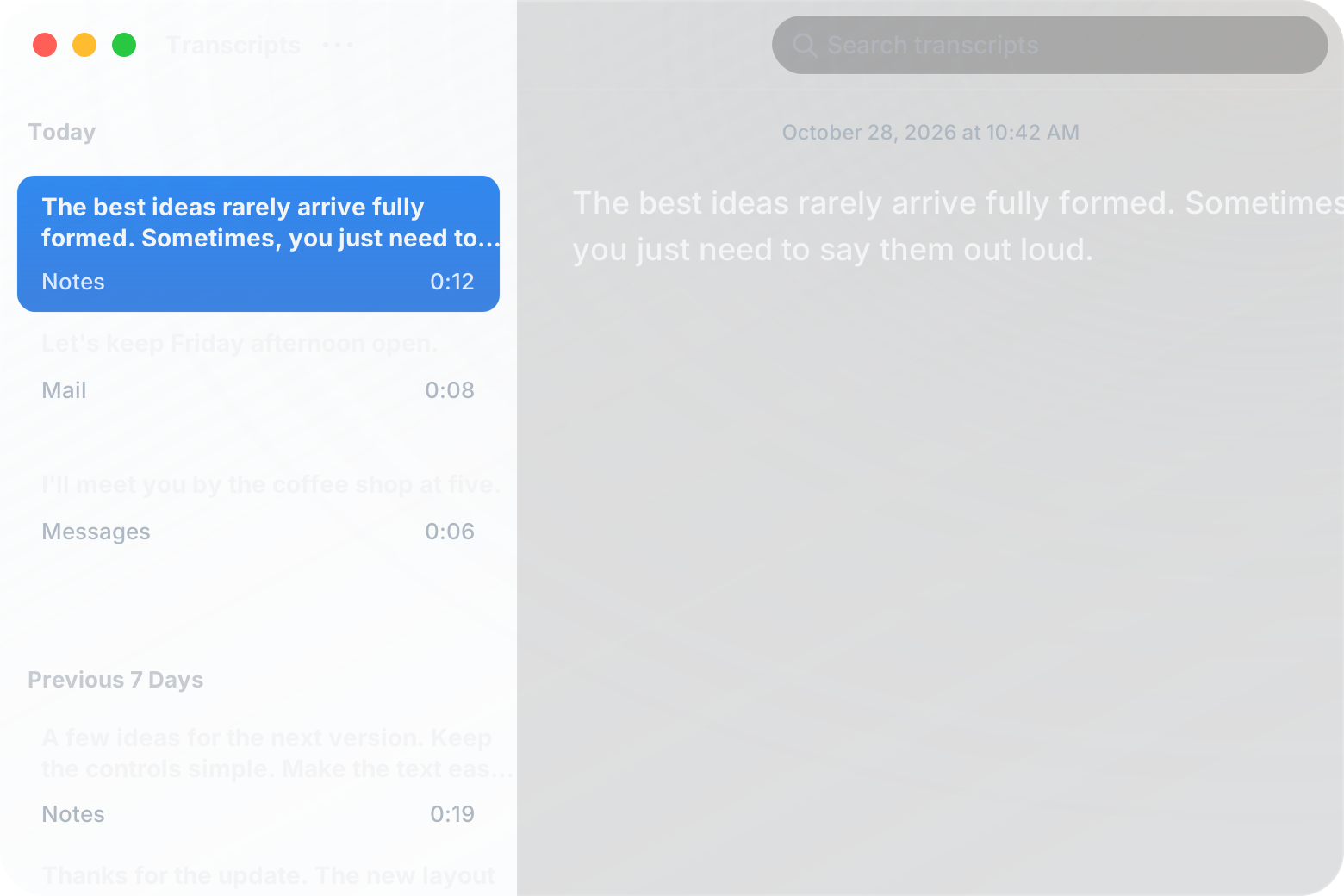
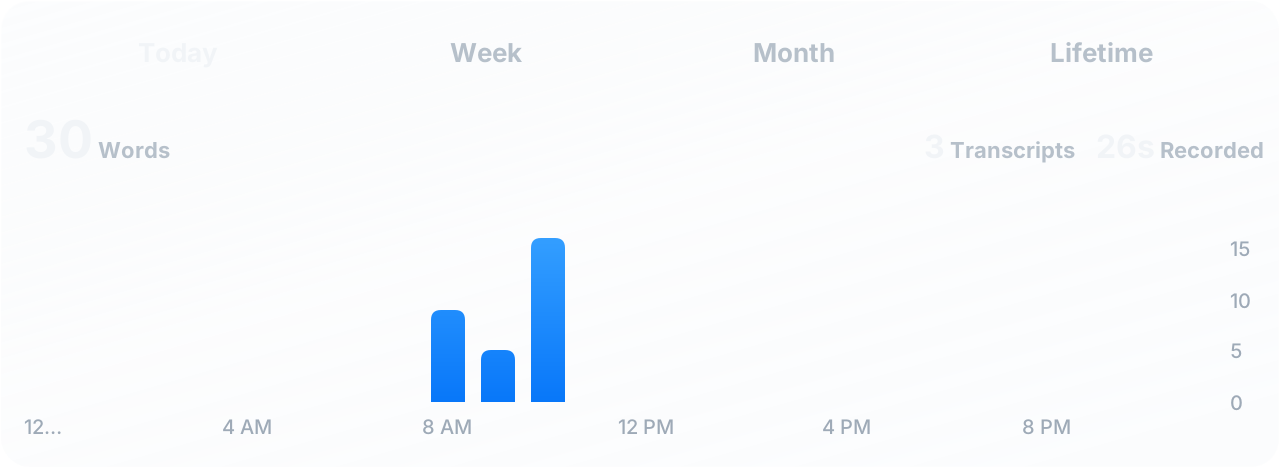
Omilia matches the app you’re in. It adds a greeting and sign-off to emails and cleans up everything else.
Works wherever you type. Use it in Slack, email, notes, or your coding agent.



Nothing you say leaves your Mac. Omilia never saves audio, and after setup it works offline.

Before you download.
Open the DMG and drag Omilia into Applications. When you open it, setup asks for Microphone and Accessibility access and downloads the models. Then click into any text field, press ⌥ + Space, and talk. Press it again to stop, or switch to hold-to-speak in Settings.
Auto uses Email in email fields and Structured everywhere else. Email adds a greeting and sign-off. Structured cleans up everyday writing. Raw skips cleanup. Your original transcript stays in history either way.
Most of them. Omilia pastes into the field where you started talking, even if you’ve switched apps since. If a field won’t take the paste, the text is on your clipboard.
Speech recognition understands 25 languages. Cleanup is tuned for English, so use Raw for the others.
On your Mac, one text file per dictation. You can search, export, or delete any of them from history.